Native HubSpot and Salesforce integrations
No CRM? Upload your list and Personnect is your outbound CRM. Already on HubSpot or Salesforce? Personnect integrates natively, both ways.
No CRM? You don't need one
Personnect works on its own. Upload a CSV or Excel list and Personnect is your outbound CRM: contacts, call history, outcomes, recordings and transcripts all live in one place, and Michael keeps the list enriched. For a solo founder or a small team, that's everything you need to start calling.
When you grow into HubSpot or Salesforce, connect it and everything syncs both ways.
Two CRMs, done properly
Personnect integrates with HubSpot and Salesforce. Instead of a long list of shallow connectors, both integrations are built into the product: you connect by signing in to your CRM from Personnect, there is no middleware to set up, and data flows both ways.
What comes in, what goes back
- In: contacts from HubSpot; Contacts, Leads or any object you can query from Salesforce. Filter what you need and keep it fresh with an automatic re-import.
- Back: every call, logged automatically with its outcome, transcript, recording link, duration and more, so the CRM stays complete without reps typing notes.
- Your rules: map each field to sync into Personnect, back to the CRM, or both. Choose which call outcomes get pushed, and switch call logging or contact updates on and off.
Questions, answered
Do I need a CRM to use Personnect?
No. Upload your list and Personnect works as your outbound CRM, with contacts, call history, outcomes and recordings in one place. If you use HubSpot or Salesforce, it integrates natively.
Which CRMs does Personnect integrate with?
Native two-way integrations with HubSpot and Salesforce; any other CRM through CSV import and export, and a direct integration on request.
Do I need a third-party connector?
No. You connect by signing in to HubSpot or Salesforce from Personnect; there is no middleware to set up.
Can I choose what syncs?
Yes. Each field can sync into Personnect, back to your CRM, or both, and you choose which call outcomes are pushed.
From the blog
CRM-Native Dialer vs Standalone: Which One Actually Connects More?
CRM-native dialer vs standalone: native wins on convenience, but with 80% of calls hitting voicemail, parallel dialing and verification decide who connects more.
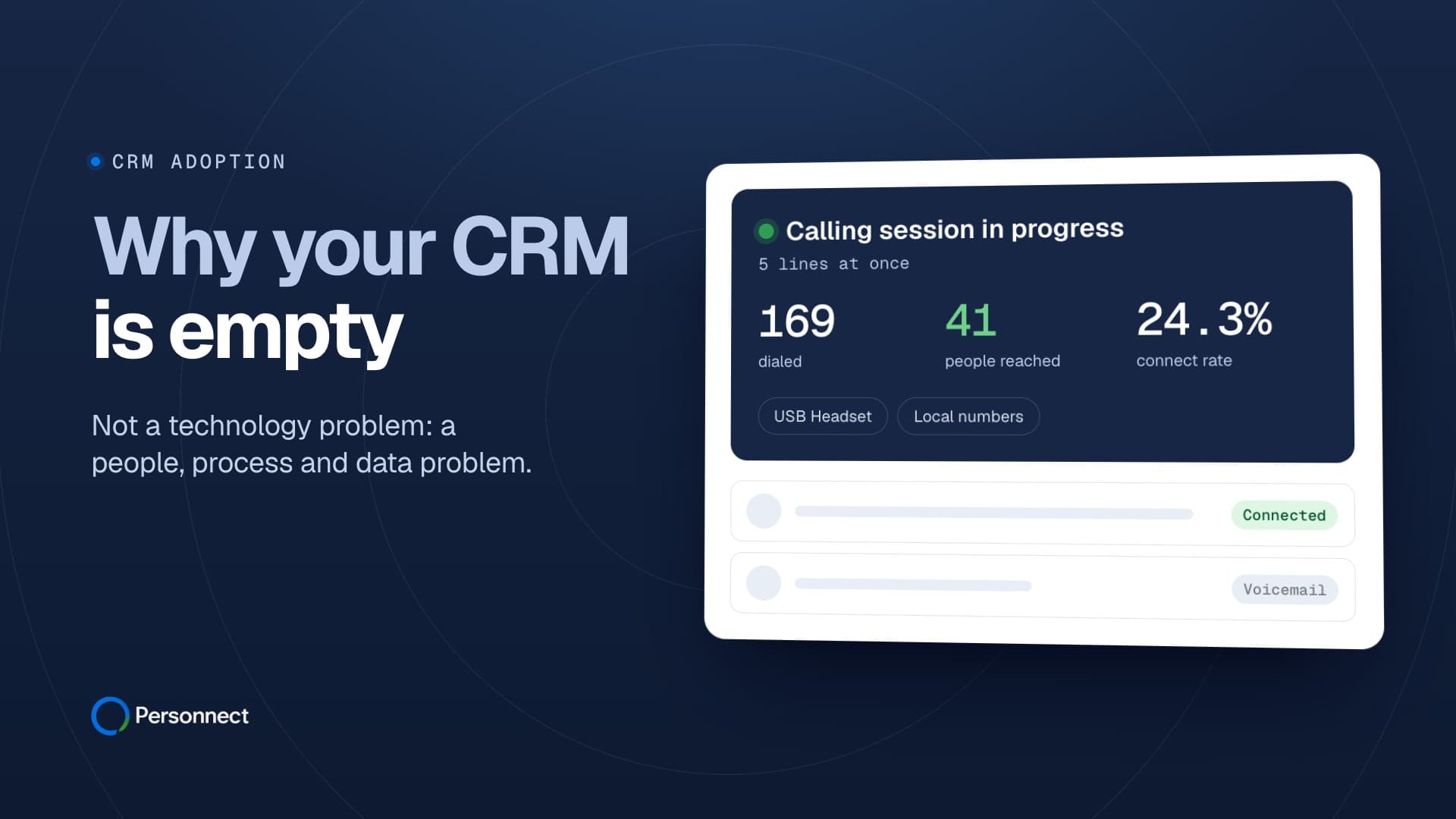
Why Your CRM Is Empty (And What to Do About It)
Sales reps spend 5.5 hours weekly on CRM data entry, yet 43% of teams report low adoption. Learn 7 proven strategies to fix CRM adoption in sales teams.
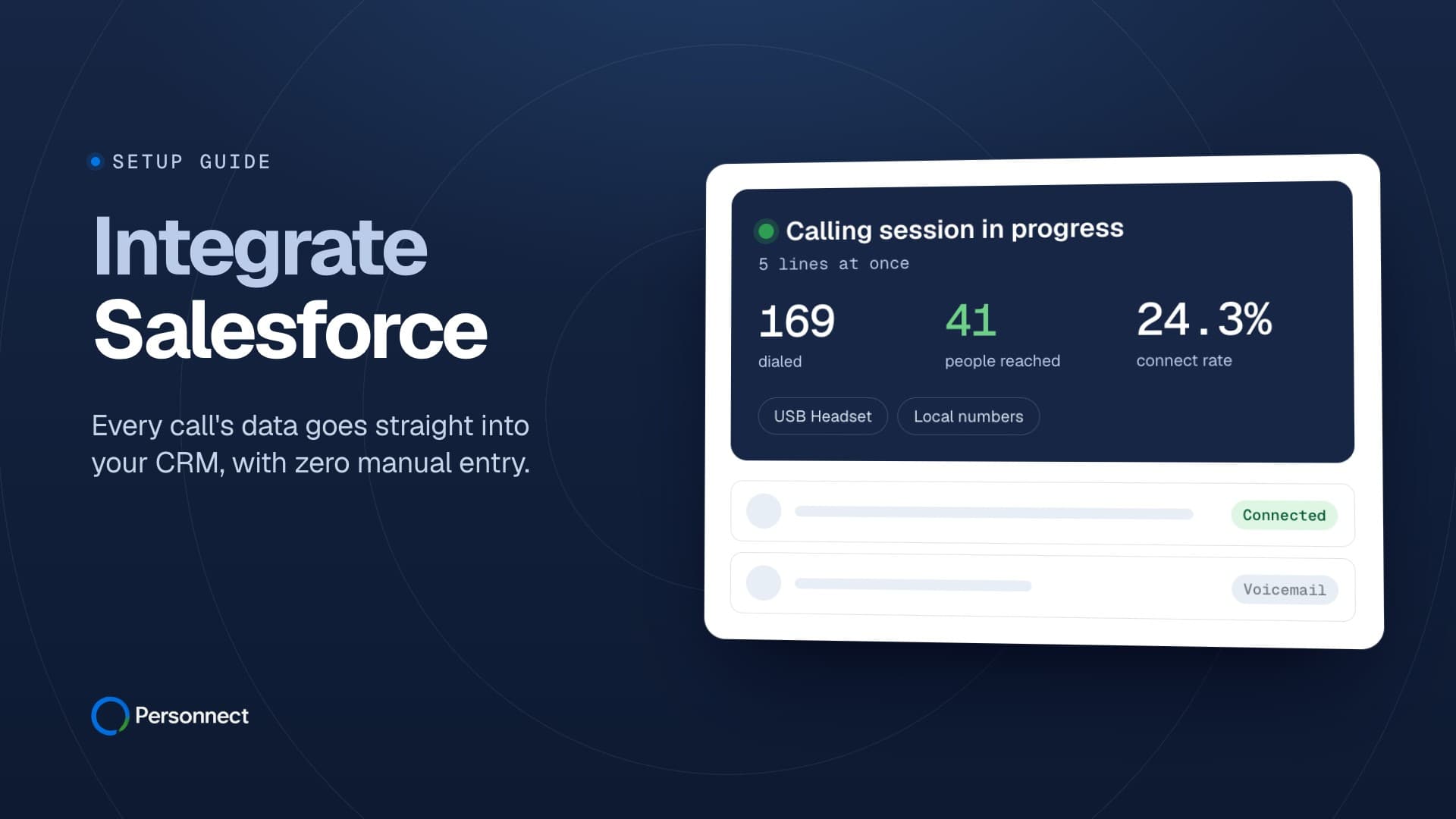
How to Integrate Salesforce with Personnect: A Complete Setup Guide
Step-by-step guide to connecting Salesforce with Personnect. Set up 23 call fields and 18 contact fields in under 30 minutes.
What Is Call Disposition? Why 72% of Dials Never Reach a Person
Call disposition is the outcome code assigned after a call ends. With 72% of dials never reaching a person, here is how to build a taxonomy that works.
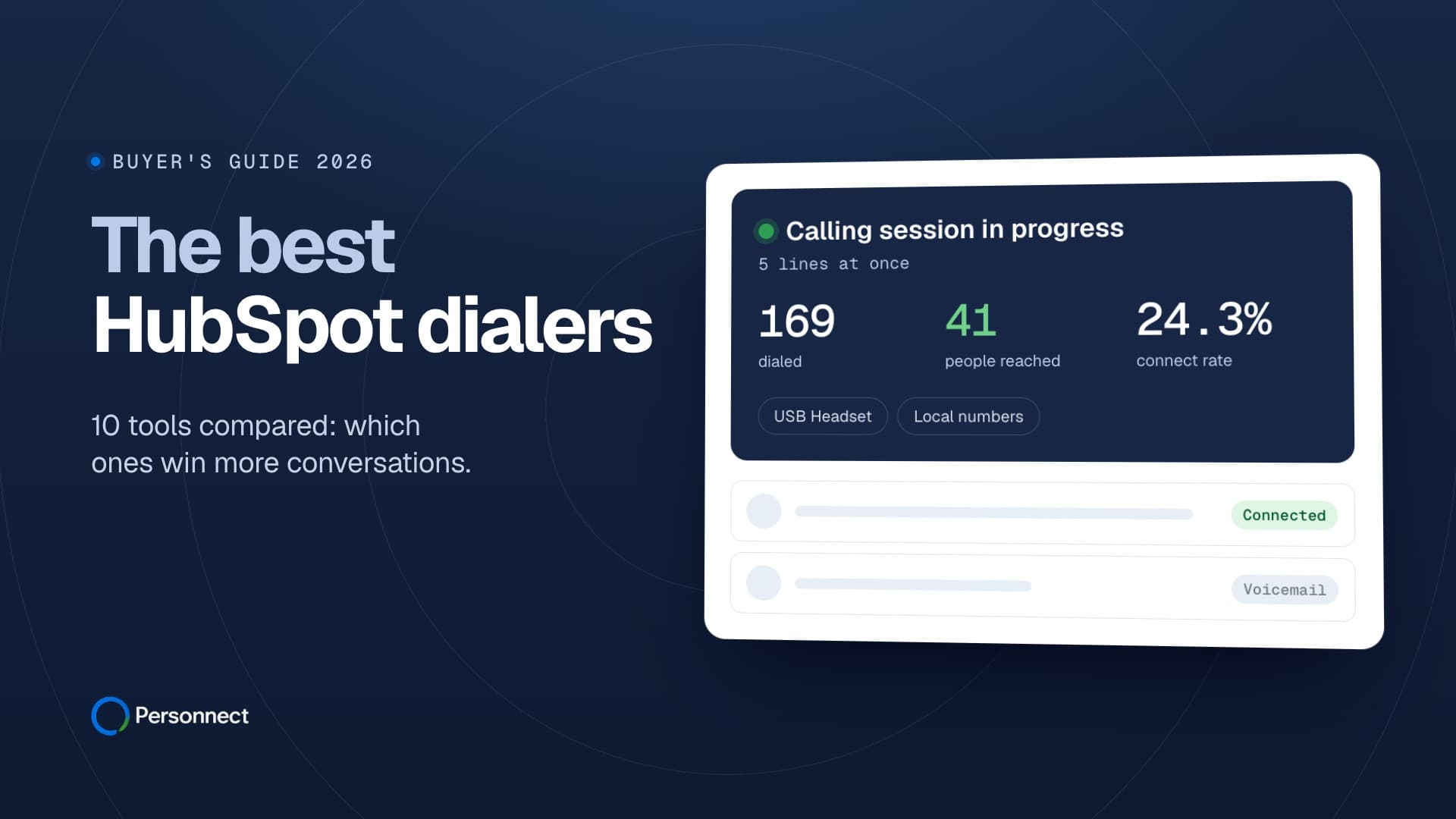
The Best HubSpot Dialers in 2026: 10 Tools Compared
The 10 best HubSpot dialers of 2026, compared. B2B cold calls connect just 4.8% of the time, so see which parallel and power dialers win more conversations.
The Best Salesforce Dialers in 2026: 10 Tools Compared
Compare the 10 best Salesforce dialers of 2026. With the median B2B connect rate near 4.8%, see which parallel dialers, engagement tools, and phone suites fit.