Bring your HubSpot contacts in
Connect HubSpot by signing in from Personnect. Import contacts with their owner and company, filter what you need, and keep them current with an automatic re-import. Want the list checked first? Send it through Michael for enrichment before the session.
Not on HubSpot yet? You don't need a CRM to use Personnect. See how it works on its own.
Every call logged to HubSpot
Each call is written to HubSpot as a call on the contact, with:
- the call title and the full transcript
- duration, direction and the numbers used
- a link to the recording
- the call outcome, and whether a voicemail was detected
- sentiment and talk ratio
- action items, and flags for a meeting booked or a callback requested
- the HubSpot owner
Your fields stay yours
Personnect creates its own clearly named properties on HubSpot calls and contacts, so its data sits next to yours instead of overwriting it. Contact updates are optional: switch them on to write enrichment and calling results back to the contact record.
Two-way sync, on your terms
Choose field by field whether data flows into Personnect, back to HubSpot, or both. Pick which call outcomes get pushed, and turn call logging or contact updates on and off. Changes made in HubSpot can flow back into Personnect, so reps see the current record.
Why a dedicated dialer for HubSpot?
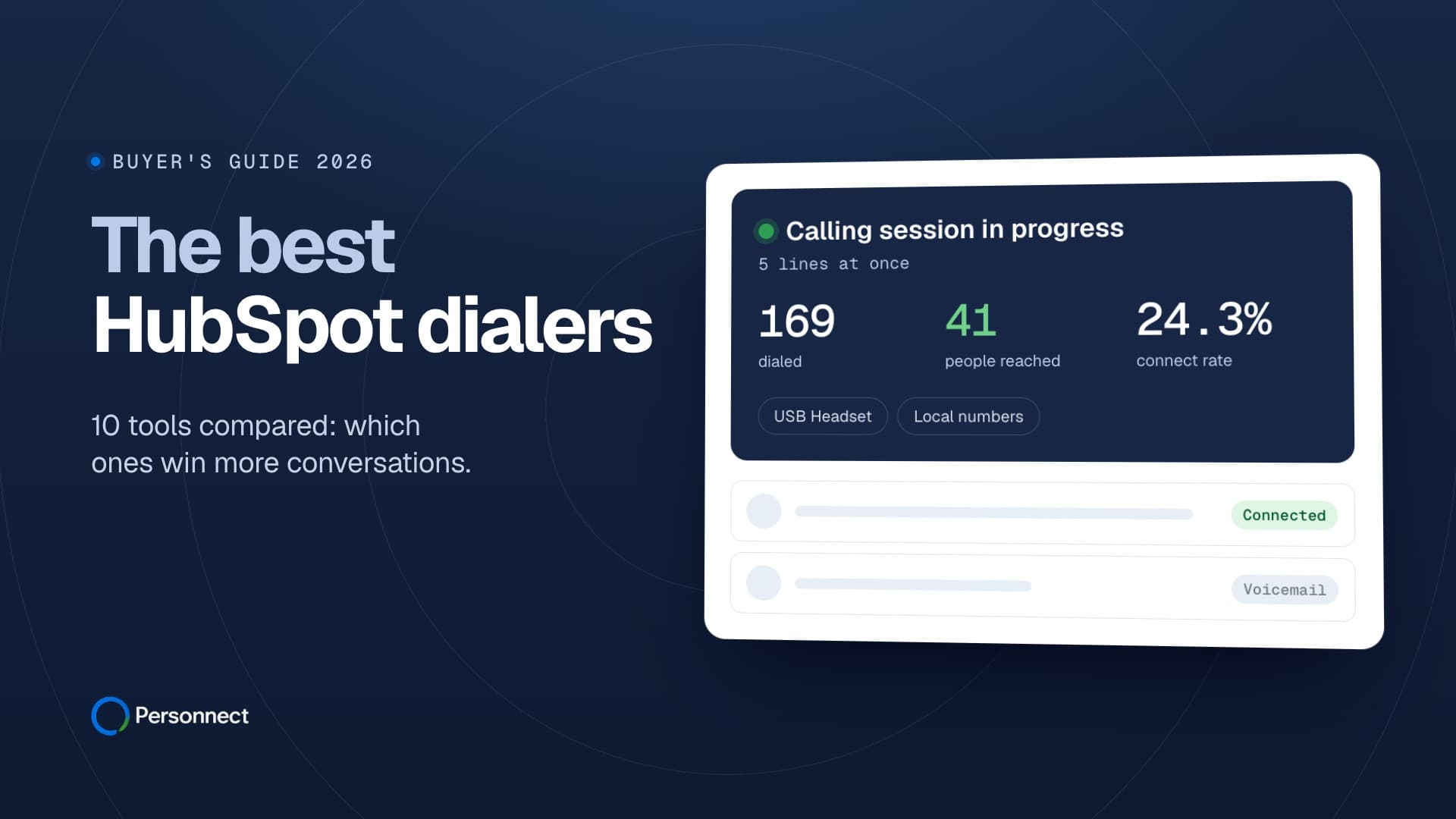
HubSpot is where your pipeline lives. Its built-in calling places one call at a time. A parallel dialer calls up to five numbers at once per rep and connects only the people who answer, while HubSpot still receives every call. See the best HubSpot dialers and CRM-native vs standalone dialers.
What reps see when a HubSpot contact answers
The moment a person picks up, the rep sees the contact's name, title and company, Michael's AI insight on that lead, call notes, the last conversation and the call history, before they say hello. No switching tabs to look the contact up in HubSpot first.
What it costs
The HubSpot integration is included. You pay 8.5¢ per answered minute, local numbers from $1 a month and 15¢ per enriched lead, with unlimited users and no contract. See the full pricing.