Salesforce integration

The parallel dialer for Salesforce

Import Leads, Contacts or custom objects from Salesforce, call five at a time, and log every call as a Salesforce Task with the fields you map.

Updated
Native two-way integration

Every call lands in Salesforce.

Personnect stays in sync with Salesforce in both directions, so enriched records and every call outcome show up there without anyone copying them over.

  • Leads, Contacts or custom objects
  • Every call logged as a Task
  • Fields you map, in both directions
ContactsCRM sync
Personnect · Contacts
1,187
MW
Marcus Webb
Northgate Logistics
Verified
KV
Karen Voss
Brightwater Health
Direct dial
AG
Alicia Grant
Halverson Freight
Verified
TH
Tom Herrera
Tidewell Insurance
Direct dial
JP
Julia Pratt
Marlow Ridge Capital
Verified
Auto-syncVerified contacts
Your CRM · Contacts
Synced· just now
Marcus Webb
(602) 555-0134
Verified
Karen Voss
(520) 555-0141
Direct dial
Alicia Grant
(480) 555-0118
Verified
Tom Herrera
(480) 555-0107
Direct dial
Julia Pratt
(928) 555-0148
Verified
Two-way syncHubSpot & Salesforce

Import what you work in Salesforce

Connect Salesforce by signing in from Personnect. Import Contacts, Leads or any custom object you can query, with your own filters, and keep it current with incremental syncs that pull only what changed. Want the list checked first? Send it through Michael for enrichment before the session.

Not on Salesforce yet? You don't need a CRM to use Personnect. See how it works on its own.

Every call logged as a Task

By default each call becomes a Salesforce Task on the record, and you can choose a different target object. Map the outcome, transcript, recording link, duration and other call data to the fields your team reports on, including custom fields.

Field mapping in both directions

Each field can be set to pull from Salesforce, push to Salesforce, or both. Choose which call outcomes are pushed, and switch call logging and record updates on or off.

Setting it up

Your admin creates a few custom fields for Personnect's call data, connects, and maps them. Most teams are set up in under 30 minutes. The Salesforce integration guide walks through it step by step, and mapping lookup fields explains why Name and Related To stay blank on CSV imports and how to fix it.

Why a dedicated dialer for Salesforce?

Salesforce is where your pipeline lives, not where calls get made fastest. A parallel dialer calls up to five numbers at once per rep and connects only real conversations, while Salesforce still receives every call. Compare the options in the best Salesforce dialers.

What reps see when a Salesforce record answers

The moment a person picks up, the rep sees the contact's name, title and company, Michael's AI insight on that lead, call notes, the last conversation and the call history, before they say hello. No switching tabs to look the record up in Salesforce first.

What it costs

The Salesforce integration is included. You pay 8.5¢ per answered minute, local numbers from $1 a month and 15¢ per enriched lead, with unlimited users and no contract. See the full pricing.
FAQ

Questions, answered

Is Personnect a native Salesforce integration?

Yes. You connect by signing in to Salesforce from Personnect; no middleware or extra connector is needed.

Which Salesforce objects can I import?

Contacts, Leads and custom objects you can query, with your own filters.

How are calls logged in Salesforce?

As Tasks by default, with the fields you map. You can choose a different target object.

Why are some Salesforce fields blank after calls?

Lookup fields like Name and Related To store record IDs. Contacts imported by CSV without Salesforce IDs leave them blank; importing through the direct sync fills them.

How long does the Salesforce setup take?

Most teams are set up in under 30 minutes, mostly spent creating custom fields.

Further reading

From the blog

12 min read

Step-by-step guide to connecting Salesforce with Personnect. Set up 23 call fields and 18 contact fields in under 30 minutes.

salesforceCRM integrationsetup guide
10 min read

Fix blank Salesforce lookup fields in Personnect. Learn how to import reference IDs on contacts and export them on Tasks so every call links correctly.

SalesforceCRM IntegrationPersonnect
12 min read

Compare the 10 best Salesforce dialers of 2026. With the median B2B connect rate near 4.8%, see which parallel dialers, engagement tools, and phone suites fit.

Salesforce dialersales dialersparallel dialer
13 min read

Call disposition is the outcome code assigned after a call ends. With 72% of dials never reaching a person, here is how to build a taxonomy that works.

call dispositioncall outcome trackingsales operations
13 min read

CRM-native dialer vs standalone: native wins on convenience, but with 80% of calls hitting voicemail, parallel dialing and verification decide who connects more.

crm native dialer vs standaloneparallel dialersales dialer
13 min read

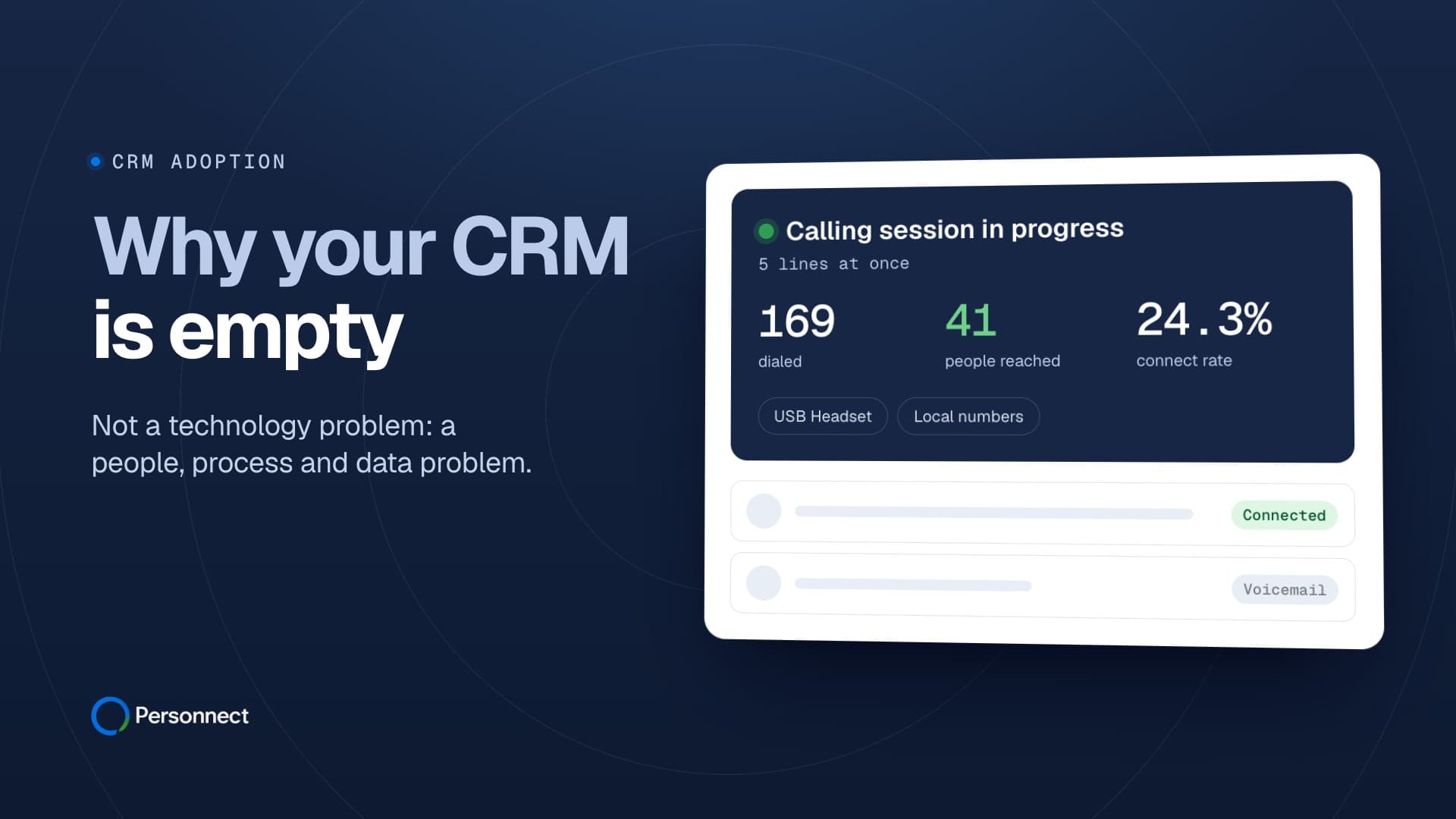
Sales reps spend 5.5 hours weekly on CRM data entry, yet 43% of teams report low adoption. Learn 7 proven strategies to fix CRM adoption in sales teams.

CRMsales productivitydata quality

More conversations start here.

Tell us about your team and we will get you set up.